Delete Project page
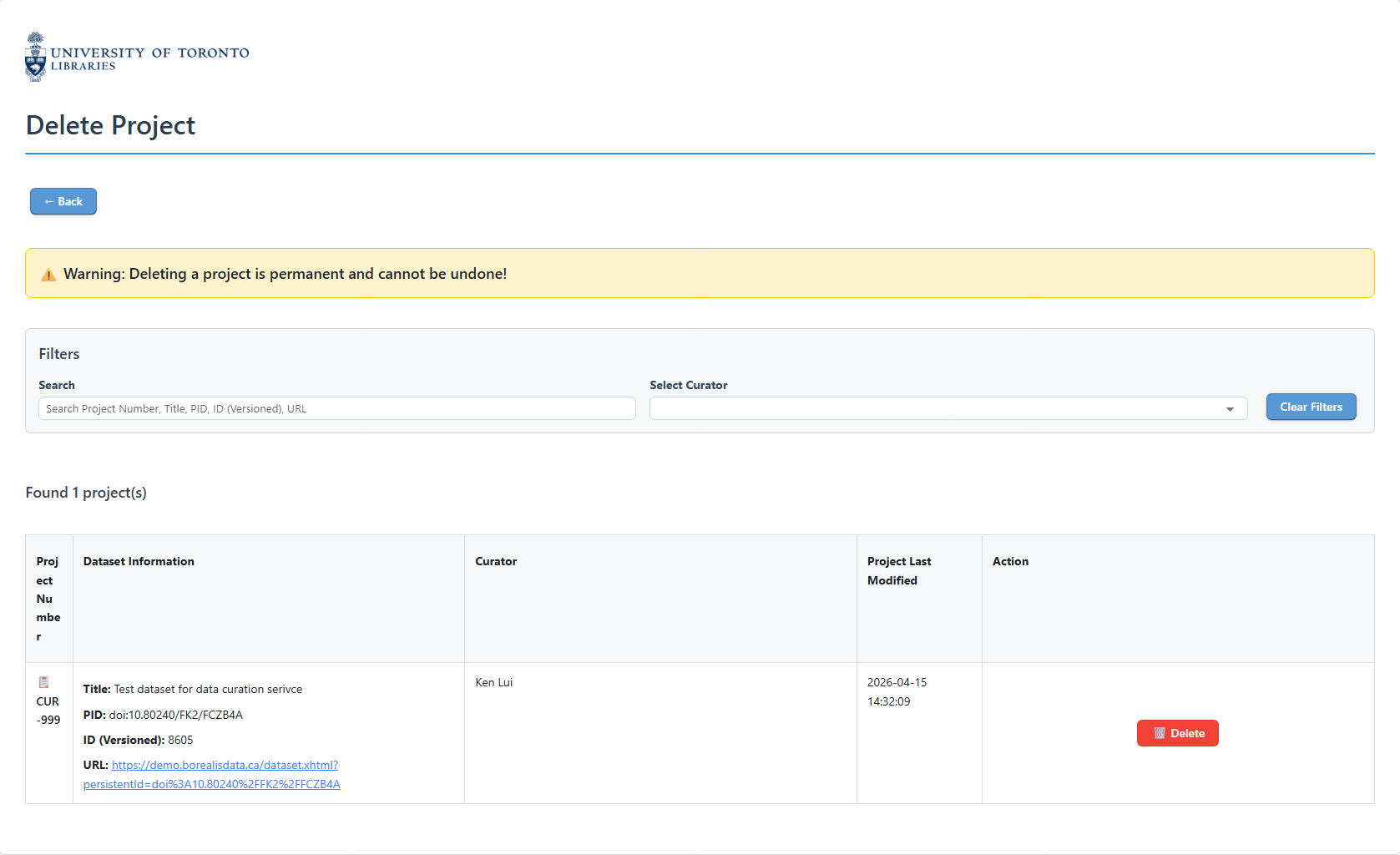
This is the page for deleting a project.
Navigation
Click the '← Back' to return to the landing page.
Filtering Projects
You can use the filter section to search for the project you want to delete, by:
- Using the search box to search for the project by the Project Number, Dataset DOI, or Dataset Title.
- Filtering the curator by selecting the curator name from the dropdown menu.
Project table
The project table lists all the curation projects.
Warning
Deleting a project is irreversible. Pleas make you sure you know which project you are deleting.
You can click on the '🗑️ Delete' button to delete project. This will delete the database records in the tool's database, and also all the downloaded dataset metadata and data files.