Restart instructions
To restart the U of T Dataverse Curation Tool on a Windows local machine, follow the steps below:
Steps
-
Open a PowerShell terminal.

-
Type (or copy and paste) the following command to change your terminal's directory to the pydatacuration-p folder:
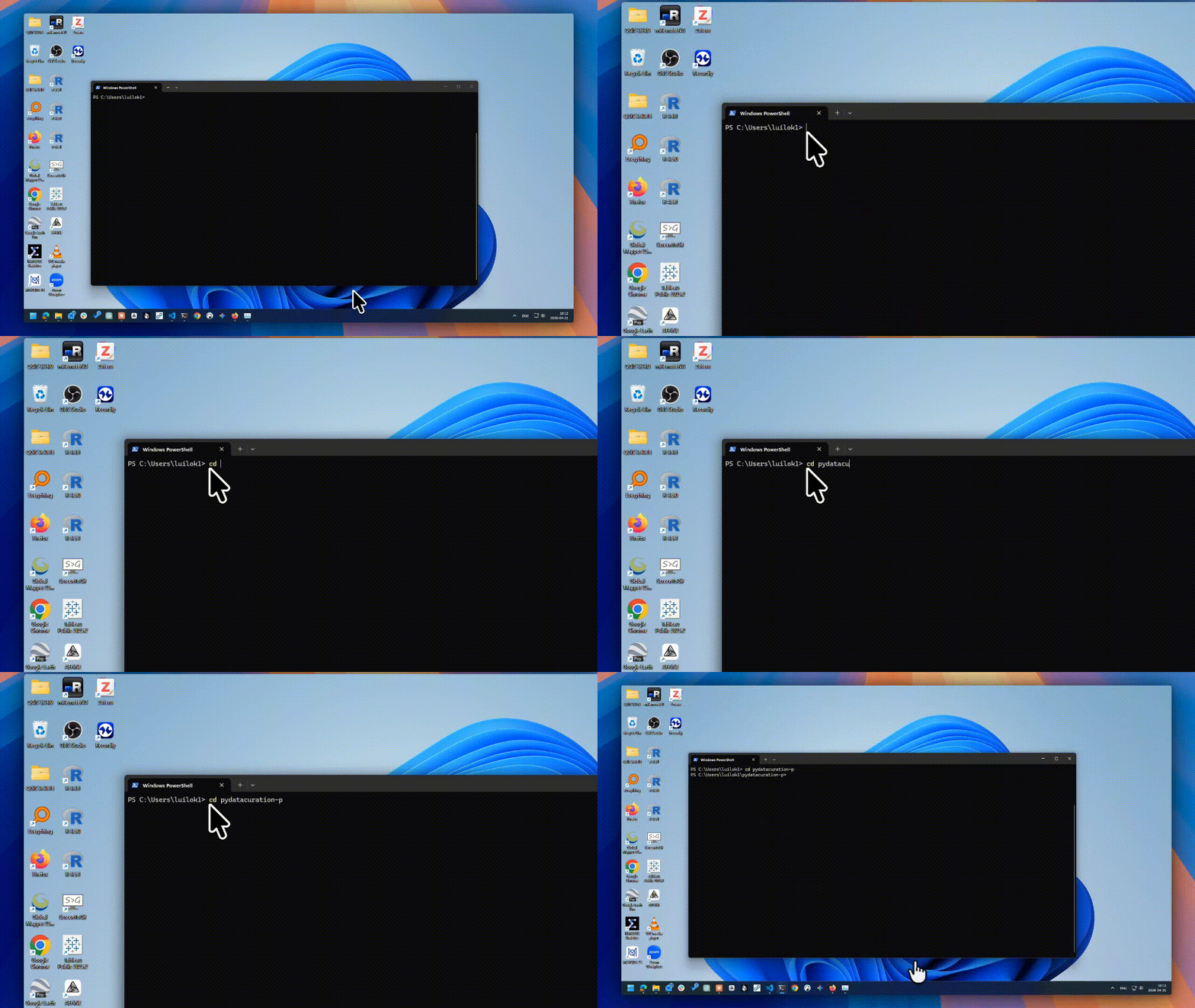
-
Run the following command in the PowerShell terminal to start VS Code in the current directory:
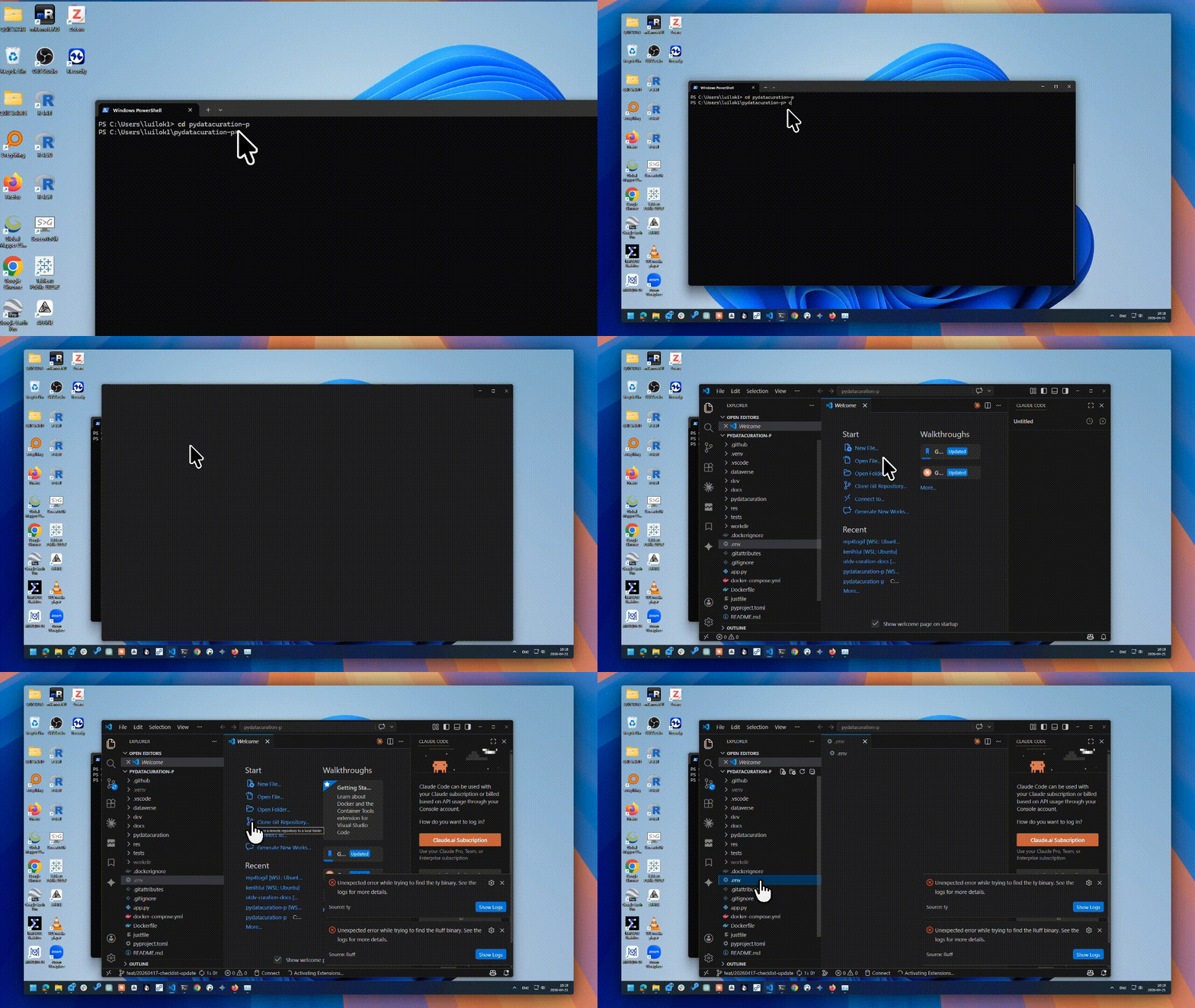
-
Open the
.envfile in VS Code using the left panel. Change the value ofAPI_TOKENto your latest API token, especially if you have revoked or generated a new one. Also change theCURATOR_NAMEandCURATOR_EMAILif necessary.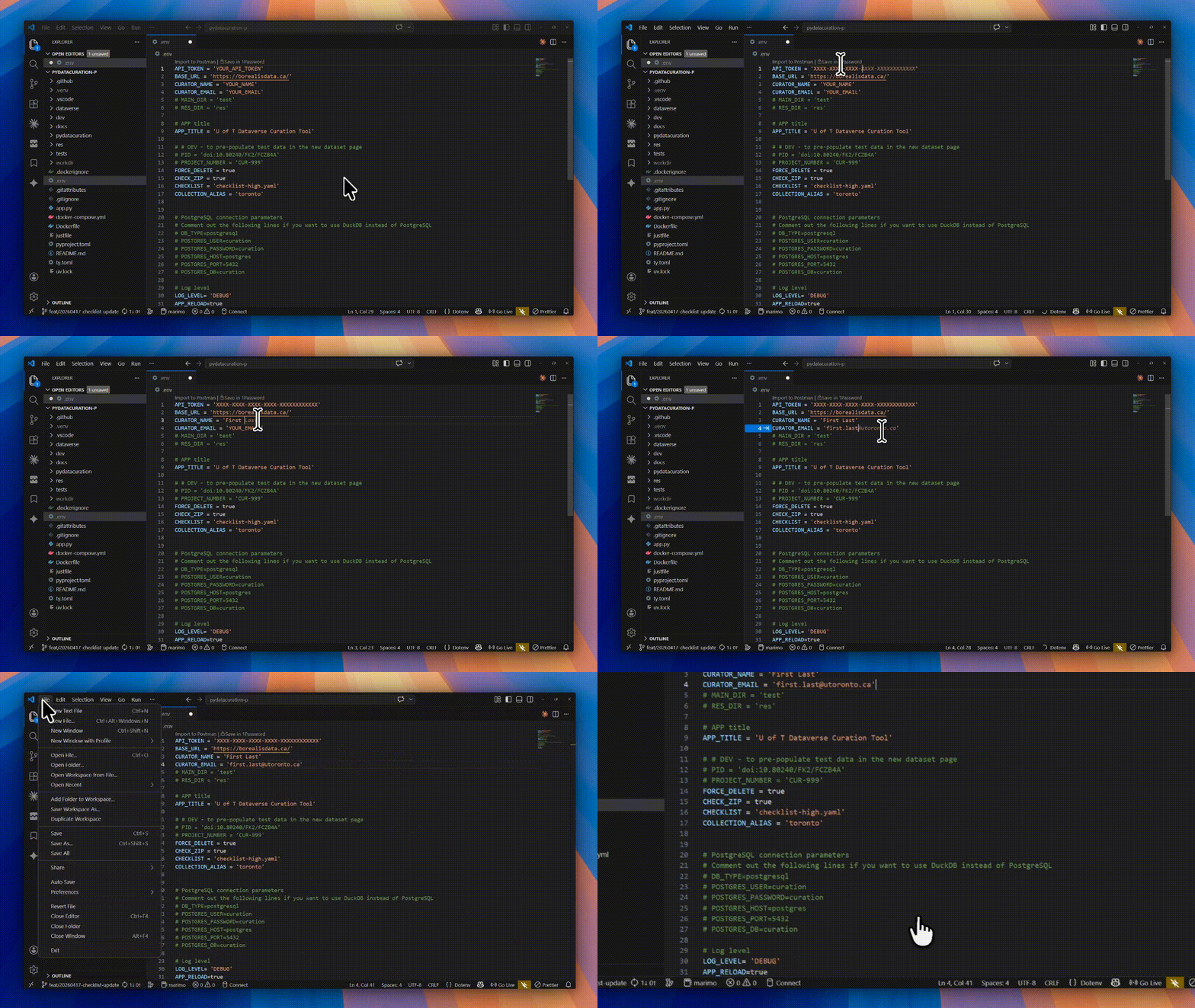
-
Finally, run the application in the PowerShell terminal using the following command:
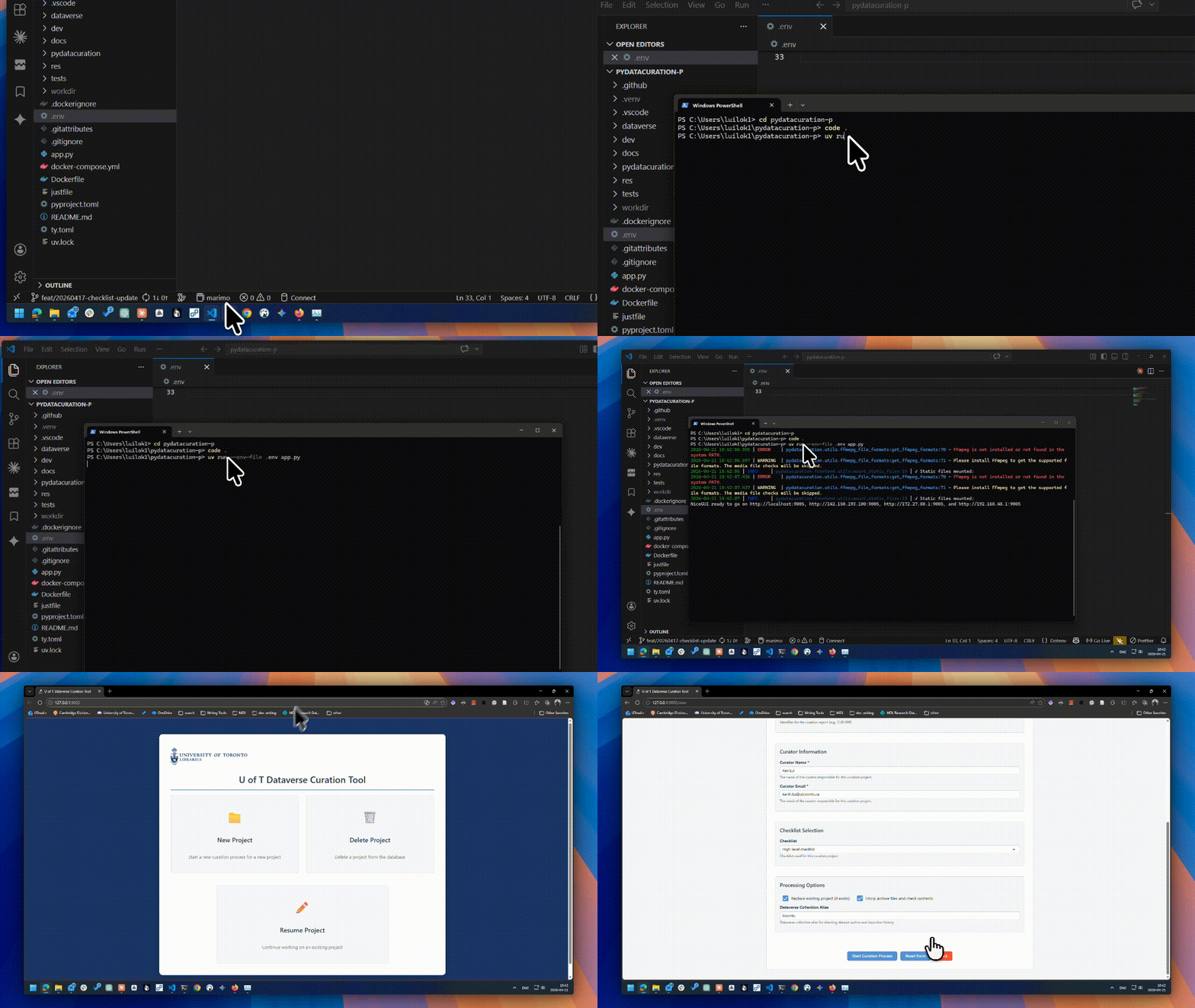
You should be able to access the tool at http://localhost:9005 in your web browser.
Close the application
To close the application, simply press Ctrl + C in the PowerShell terminal.
API Token security tip
A best security practice is revoke the API Token in Borealis after you are done using the tool. You can generate a new API token for the next time you use the tool.